5 Claude connectors: Gmail, Calendar, Drive, Notion and Canva
- connectors for every day
- 5
- connectors in the directory
- 920
- Gmail actions
- 28
Usually Claude explains how to clear your inbox and find time for a meeting, and you do the work. Five connectors change that: it reads the thread, drafts the reply, books the meeting, pulls the file from Drive and builds the design in Canva.
What it is
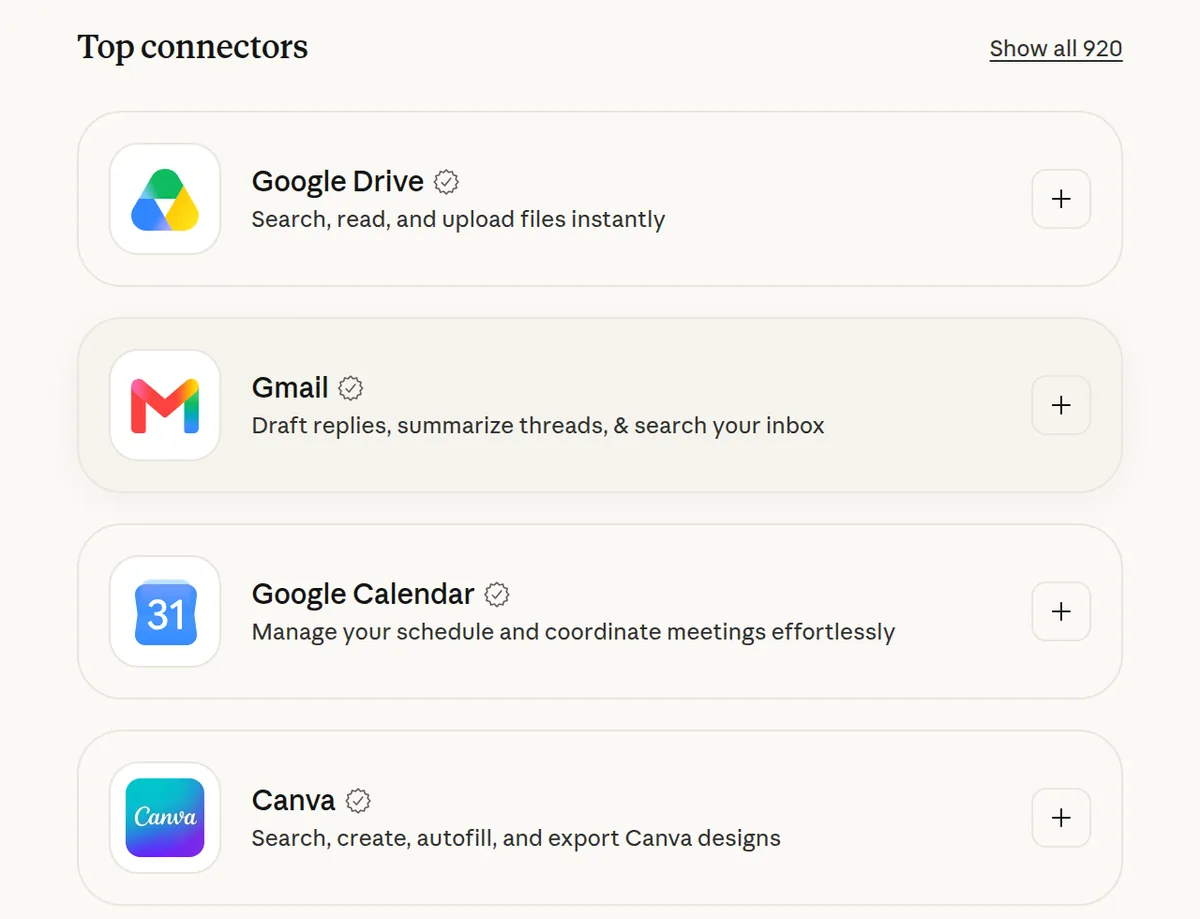
A connector gives Claude access to one of your services, so it does the task instead of describing it. All five come from Claude's official directory and carry the Anthropic verified badge. You switch them on with a button in Claude's settings, and then they work in Claude Code too.
- Gmail: finds the emails you need, sums up long threads and drafts replies. It can send, reply or forward only after you approve it.
- Google Calendar: checks your schedule, finds a time when everyone is free, creates and moves meetings, and answers invitations.
- Google Drive: finds a document even when you forget its name, reads Docs, Sheets, Slides and PDFs, and saves finished files back to your Drive.
- Notion: searches your workspace and creates and edits pages and databases.
- Canva: finds your designs, builds new ones right from the chat and exports the file.
How to connect
Step 1. Open Connectors
Connectors are switched on with a button, not a prompt. Go to claude.ai or the Claude desktop app and open Customize, then Connectors. In the desktop app, Customize is in the sidebar.
Step 2. Connect the five
Select Discover, find Gmail and select Connect to Claude. Sign in to your Google account and approve the access. Do the same for Google Calendar, Google Drive, Notion and Canva.
Step 3. Paste the prompt into Claude Code
Connectors you add in claude.ai show up in Claude Code on their own when you sign in there with the same Claude account. The prompt checks that everything is connected and gives Claude a first task. It works in a regular Claude chat too.
Copy this into Claude Code
Check which Claude connectors I have connected: Gmail, Google Calendar, Google Drive, Notion and Canva. If one is missing, tell me step by step where to switch it on in Claude's settings. Then do a first task, and don't send, move or delete anything without my approval. Find the emails from the last three days that I haven't answered, sum up each one in a line and draft replies. Look at my calendar for this week and find two free one-hour slots. Find everything on my Google Drive and in Notion about [topic or project] and put it into a short summary. Suggest a Canva design I could build from that summary. If something doesn't work, explain what the problem is. I'm not a programmer: anything you can do yourself, do it yourself.
Want this working for your business?
- AI agents for your business
- Automations for the work you repeat
- 1:1 consulting calls
Good to know
Approve one action at a time
Before it acts, Claude asks: Allow once or Always allow. Keep approval on for sending emails and deleting events; searching can be always allowed. You can change it later under the connector's Tool permissions.
Disconnect any time
In Customize, Connectors, open the connector and select Disconnect. Claude signs out of the service, and the connector stays in your list so you can sign in again.
Answers come with links
When Claude answers from your email, calendar or Drive, it shows which emails, events and files it used, with links to the originals.
The honest read
- Gmail, Calendar and Drive are available to every Claude user. On Team and Enterprise plans, an Owner has to switch a connector on for the organization first.
- Notion and Canva need your own account with those services, and a service may ask for its own paid plan. That's up to the service, not Claude.
- From Drive, Claude reads text only: it doesn't see images inside documents.
- A connector sees your data in that service. Anthropic itself says to use connectors only from developers you trust.
Want this built for your business?
I build AI agents and automations for businesses, and do 1:1 consulting calls. Message me on Instagram with what your business does, and I'll tell you what can be automated.
Message me on Instagram