5 Google AI tools that do real work, from brand posts to video
- Google AI tools
- 5
- Flow credits a day
- 50
- languages in Gemini Notebook
- 80+
Google has five AI tools that do the kind of work people hire someone for: posts in your brand's style, a podcast from your notes, app screens, a working app from a description, and video from text. Here they are, with a prompt that writes your first request for each one.
What it is
Five Google services with AI built in. All five run in the browser with your Google account.
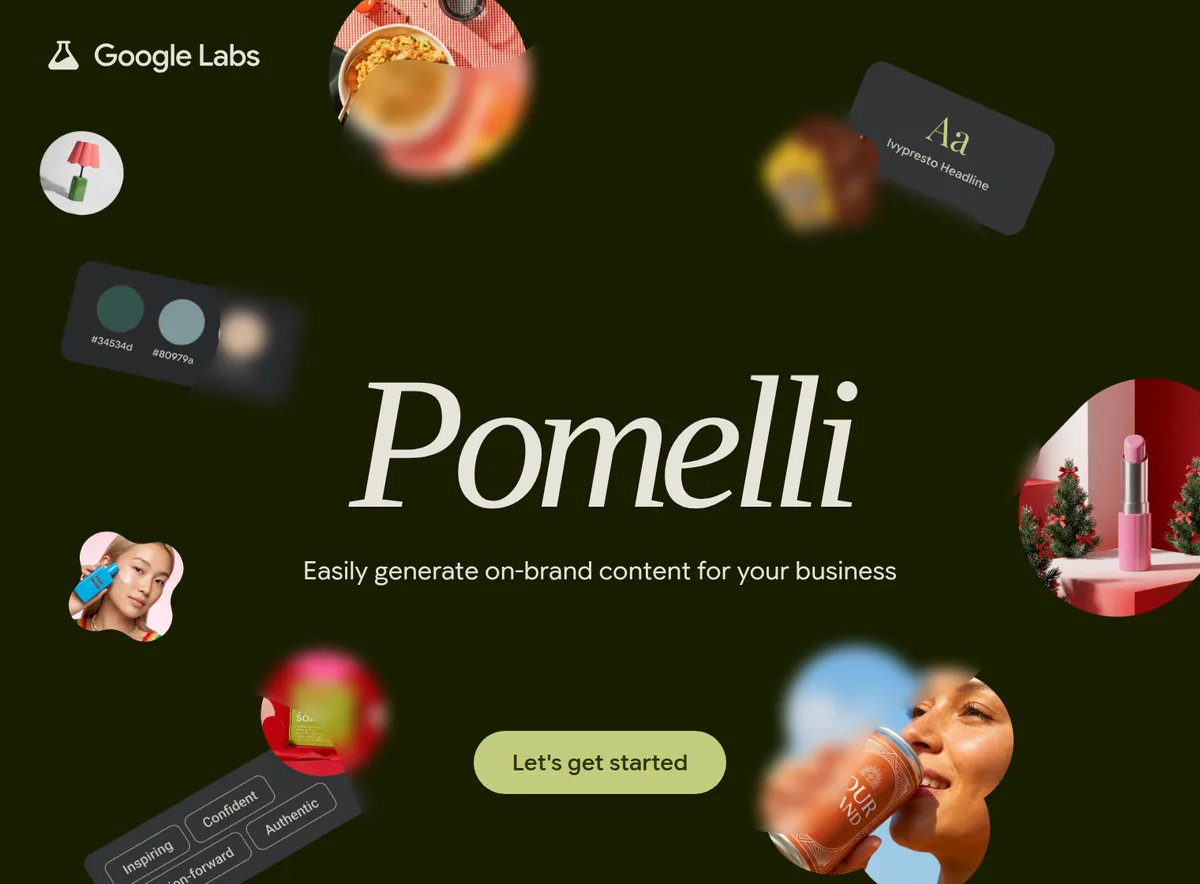
- Pomelli: paste your website link, and it learns your brand, from colors and fonts to values and images, then makes social posts and product photos in your style. It's a Google Labs experiment.
- Gemini Notebook: upload lectures, books or articles, and it answers only from them. It can also turn them into a podcast-style audio overview. It used to be NotebookLM.
- Stitch: describe an app or upload a sketch or screenshot, and it designs the screens with front-end code. Click Play to tap through them as a prototype.
- Google AI Studio: in Build mode you describe an app in plain words, and it builds in front of you, with a live preview on the right.
- Google Flow: video from text on Veo 3.1 and Gemini Omni, with sound on Veo 3.1. Without a subscription you get 50 credits a day.
How to start
Step 1. Open Claude Code
Open Claude Code on your computer in any folder.
Step 2. Paste the prompt
Add what you do to the prompt. Claude builds a page with all five tools and writes a first request for each one that fits your task.
Step 3. Sign in with Google
Open the tools from that page and sign in with your Google account. Then paste the requests from Claude's answer into the right tool.
Copy this into Claude Code
Build me one HTML page called My Google AI tools on this computer and open it in my browser. It lists five tools, each with a link button and one line on what it's for: Pomelli (labs.google.com/pomelli/about) for posts and product photos in my brand's style; Gemini Notebook (notebook.google) for answers and audio overviews from my own files; Stitch (stitch.withgoogle.com) for app screen designs with code; Google AI Studio (aistudio.google.com) for building an app from a description in Build mode; Google Flow (flow.google.com) for video from text. Then look at what I do: [describe your business or task]. For each tool, write a ready first request that fits me and that I can just paste in, and tell me which one to start with. Keep the page simple and clean so it works as a bookmark. If something doesn't work, explain what the problem is. I'm not a programmer: anything you can do yourself, do it yourself.
Want this working for your business?
- AI agents for your business
- Automations for the work you repeat
- 1:1 consulting calls
Good to know
Pomelli: check the images
Google itself warns that AI can change fine details of a product, like colors, logos or textures. Compare with the real product before you post. You can also turn on a watermark in settings that marks images as AI-made.
Stitch hands off to builders
When a design is ready, export it to AI Studio or Antigravity to turn it into a working app, or save its design rules as a DESIGN.md file for other tools.
Notebook: up to 50 sources
On the standard plan, one notebook holds up to 50 sources. Give each topic or course its own notebook, and the answers stay sharper.
The honest read
- Pomelli, AI Studio and Flow are 18+ only, and each works only in the countries on Google's own lists. Gemini Notebook has its own country list too.
- Pomelli works in English only for now, and Stitch is still a Google Labs experiment.
- Without a subscription, each tool has its own limits: 50 credits a day in Flow, standard limits in Notebook and AI Studio. Paid Google AI plans give you more.
- When you use AI Studio without paying, Google uses what you send it to improve its products. Don't upload anything you need to keep private.
Want this built for your business?
I build AI agents and automations for businesses, and do 1:1 consulting calls. Message me on Instagram with what your business does, and I'll tell you what can be automated.
Message me on Instagram