Humanizer: make AI writing sound like a person wrote it
- GitHub stars
- 57K
- AI writing patterns it checks
- 26
- wins in the blind test
- 16/16
Some lines give an AI text away at once: "It's not just a feature, it's a shift." "Let that sink in." Humanizer is a Claude Code skill that finds them and rewrites them without changing what your text says. One prompt installs it for you.
What it is
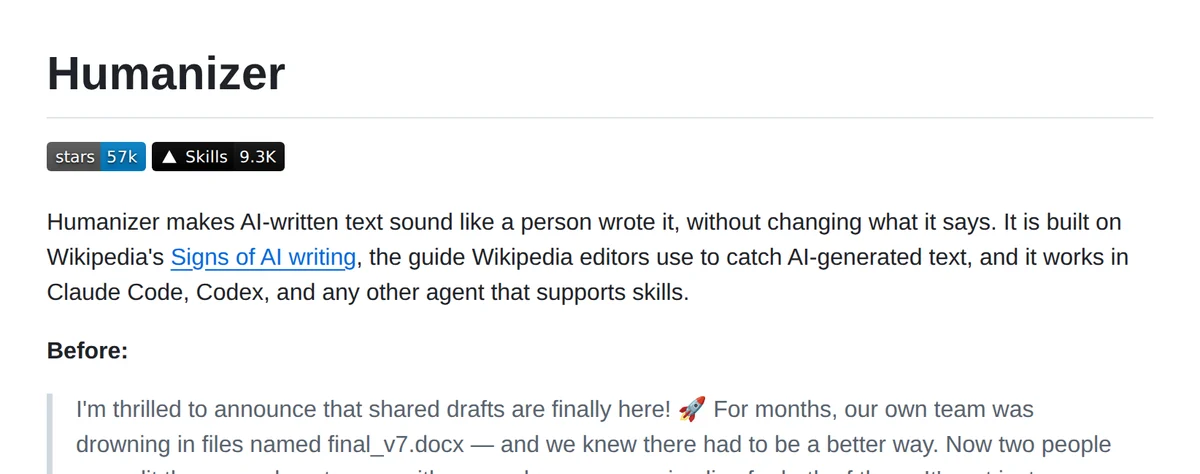
Humanizer is an open source skill by blader on GitHub, with 57K stars and an MIT license. It works in Claude Code, Codex and other agents that support skills.
It is built on Wikipedia's Signs of AI writing, the guide Wikipedia editors use to catch AI-generated text.
It checks a text for 26 patterns. The five strongest: "not X but Y", one-line closers like "Let that sink in", sayings that sound deep, a staged run-up like "Here's the thing", and arguing with no one.
It marks every tell it finds, strongest first, drafts a rewrite, checks the draft against the patterns and your original claims, and then writes the final version. You see the first rewrite, a short critique of what still sounds artificial, and the final text.
It keeps your facts. A name, number, date or quote has to come from your text or from you, and if a sentence needs a detail that is missing, it asks instead of inventing one.
In a blind test a user posted on the project's GitHub, judges preferred its rewrite over the original AI text 16 times out of 16.
Steps
Step 1. Open Claude Code
Open Claude Code on your computer in any folder.
Step 2. Paste the prompt
Claude saves the Humanizer skill, one text file from its v3.1.0 release, and checks that it works. Before saving, Claude tells you in two lines what the file does and waits for your OK. If it says Claude Code has to be restarted, close it and open it again.
Step 3. Give it your text
Paste a post, an email or a page you wrote with AI and ask Claude to humanize it. You get the first rewrite, a short critique and the final version. Want it to sound like you? Add two or three paragraphs you wrote yourself.
Copy this into Claude Code
Install the Humanizer skill for me, pinned to its release v3.1.0. It is one text file: download https://raw.githubusercontent.com/blader/humanizer/225a6f39ac85f76ee48dbad772ea4abe4ed6c9d8/SKILL.md (the v3.1.0 commit) and check that its SHA-256 is 0612f1dfb1672b0ea9b97e139bf1f06cabe98d8b27424fe8ff01e1fb4cc99cad. If it doesn't match, stop and tell me. Before saving, tell me in two lines what the file asks you to do, then stop and wait for my OK. Then save it as SKILL.md in a folder called humanizer inside my personal Claude Code skills folder. Install nothing else and don't run any scripts or commands from that repository: the skill is only writing rules for you. When you use it, work only on the text I paste or a file I name, and don't browse the web or run commands for it. Then check that Claude Code sees the Humanizer skill, and if it has to be restarted to load it, tell me. After that, ask me to paste a text I wrote with AI, run Humanizer on it and show me the first rewrite, the critique and the final version. If I give you a sample of my own writing, use it so the rewrite sounds like me. If something doesn't work, explain what the problem is. I'm not a programmer: do everything you can yourself and tell me only what I have to do by hand.
Want this working for your business?
- AI agents for your business
- Automations for the work you repeat
- 1:1 consulting calls
Good to know
Make it sound like you
Give it two or three paragraphs of your own writing along with the text. It follows your rhythm, word choice and punctuation, dashes included if you use them.
Rewrite a whole file
Ask Claude to humanize the prose in a file, a blog draft for example. It changes only the prose and leaves code, data and link addresses alone.
Not only Claude Code
The README also shows how to add it to Codex, to Claude Desktop and claude.ai (upload it as a skill in Settings) and to other agents that support skills.
The honest read
- It edits for human readers, not for AI detectors. The README says it plainly: detectors still flag most of its output.
- The 16 out of 16 result comes from one blind study a user ran and posted on GitHub, not from an independent lab.
- The prompt pins one exact file, the SKILL.md of the v3.1.0 release, by its commit and checksum. I read that file before writing this guide: it holds writing rules only, and the only file it ever writes is the one you name.
- The patterns come from English Wikipedia's guide, and the examples in its README are all in English.
- The prompt installs the v3.1.0 release, the latest one on 15 October 2026. When a newer release comes out on GitHub, ask Claude to do the same with the new version.
- It runs on your own Claude plan and uses your limits.
Want this built for your business?
I build AI agents and automations for businesses, and do 1:1 consulting calls. Message me on Instagram with what your business does, and I'll tell you what can be automated.
Message me on Instagram