ReelMimic: your own cartoon in the style of any video
- GitHub stars
- 1.6K
- drawing engines
- 7
- agents at once
- up to 6
You see a video with a great style and want one like it about your own thing. ReelMimic takes apart the video you like and makes a new cartoon in the same style, without reusing any of its frames.
What it is
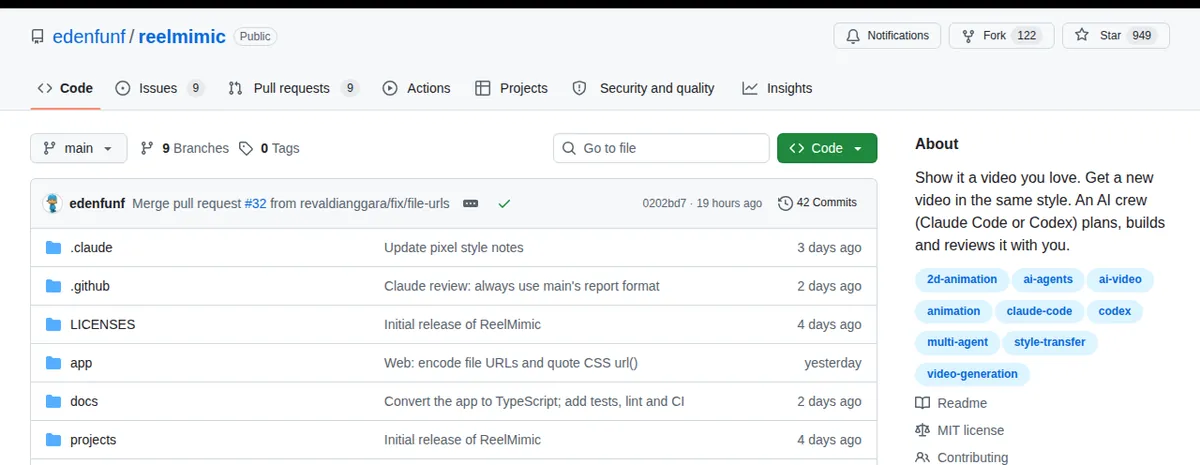
A program that breaks down a video's editing rhythm, scene length, transitions, colors and camera moves. It shows you a plan and a storyboard, and once you approve, up to six agents work on your video. Each scene is checked by another agent. It runs on your Claude Code or Codex. Open source, MIT.
Steps
Step 1. Open Claude Code
Start it on your computer. It needs to be logged in, because ReelMimic runs through it.
Step 2. Paste the prompt
Claude downloads ReelMimic, installs everything it needs, checks the install and opens the program window. If something won't install, it tells you what to do.
Step 3. Make a video
In the ReelMimic window, drop in a video or a YouTube link, write in one line what you want, look at the storyboard, fix it in plain words and press start.
Copy this into Claude Code
Install ReelMimic from github.com/edenfunf/reelmimic on this computer. Check for yourself which programs it needs and install whatever is missing for my system. Then install and run ReelMimic, check the install with the project's built-in check and open its window for me in the browser. Explain in simple words how to make my first video. If something doesn't install, explain what the problem is and fix it. I'm not a programmer: anything you can do yourself, do it yourself.
Want this working for your business?
- AI agents for your business
- Automations for the work you repeat
- 1:1 consulting calls
Good to know
Seven styles
Vector, watercolor, crayon, pixel art, paper cut-out, whiteboard doodle and anime. Watercolor and crayon are the slowest.
Hitting a limit is fine
If you hit your Claude Code or Codex limit, the work pauses and picks up from the same spot.
Start with a short video
A 30-second video is done faster and uses less of your limit. If you like the style, go longer.
The honest read
- 2D animation only, and one 30-60 second video takes about 1 to 3.5 hours.
- It uses your Claude Code or Codex limits.
- With Codex it runs with full access to your system by default, otherwise it can't render through Chrome. Don't install it on a laptop that holds client keys.
Want this built for your business?
I build AI agents and automations for businesses, and do 1:1 consulting calls. Message me on Instagram with what your business does, and I'll tell you what can be automated.
Message me on Instagram